Wall Art Visualizer Examples
Real rooms. Real artwork. True scale. See how the visualizer places pieces accurately with framing and lighting.
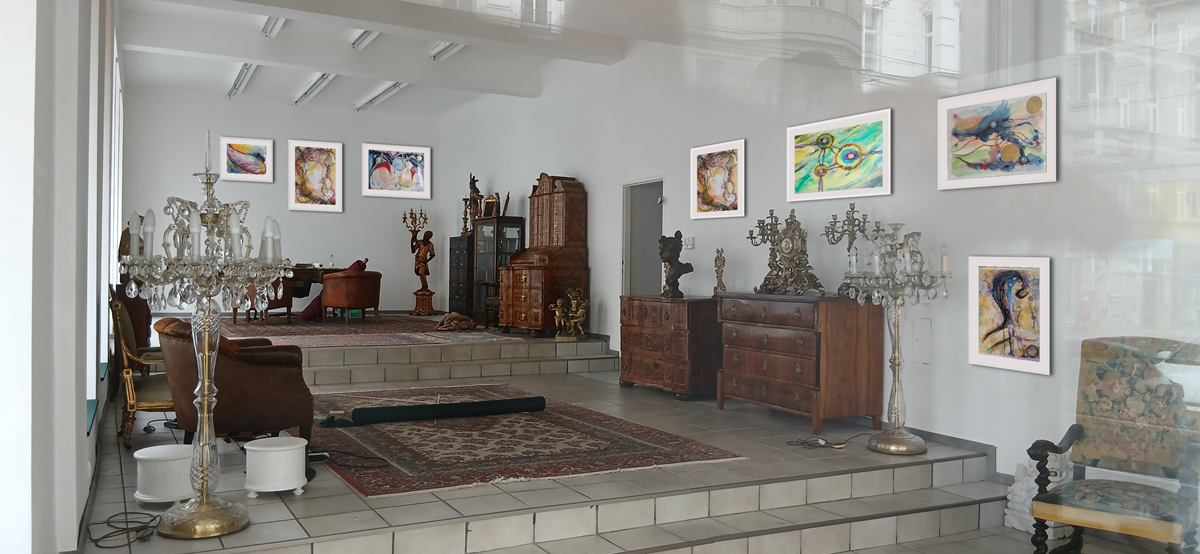
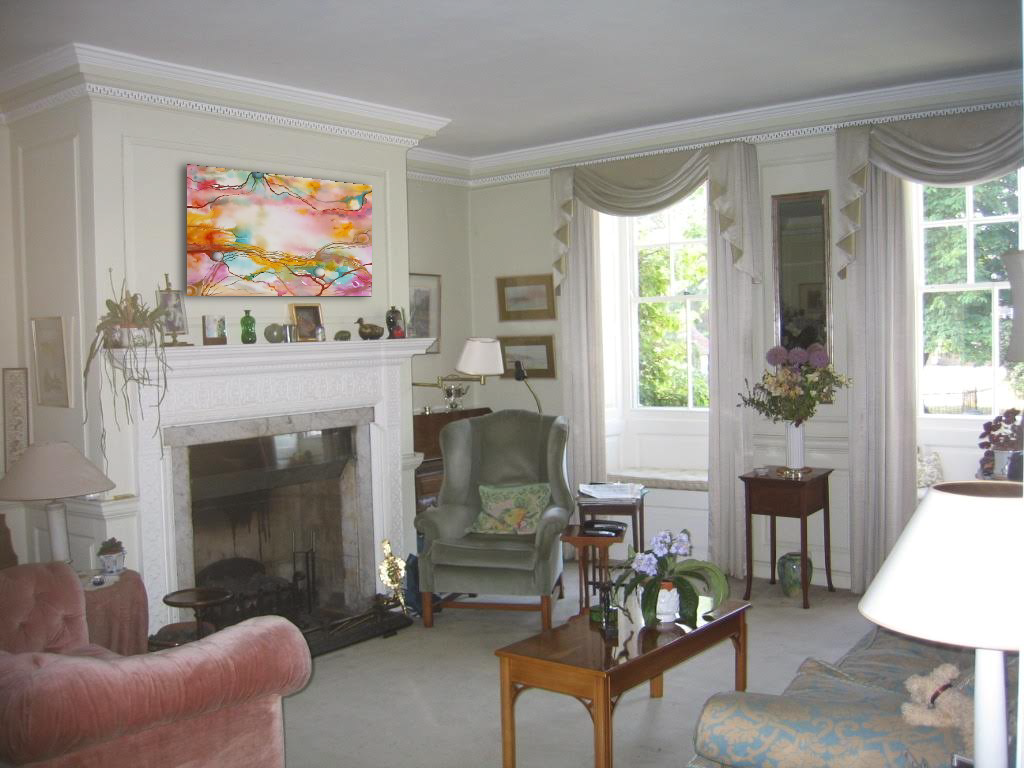
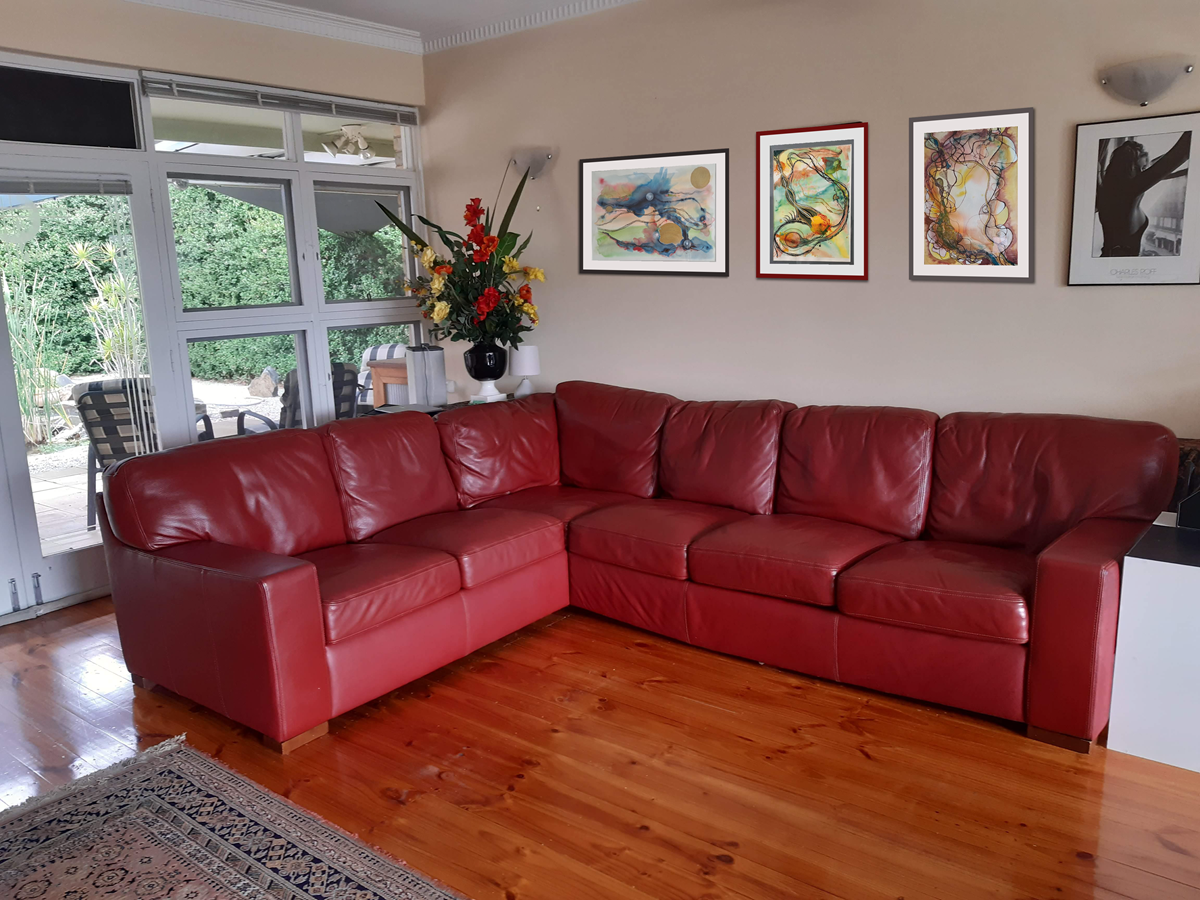
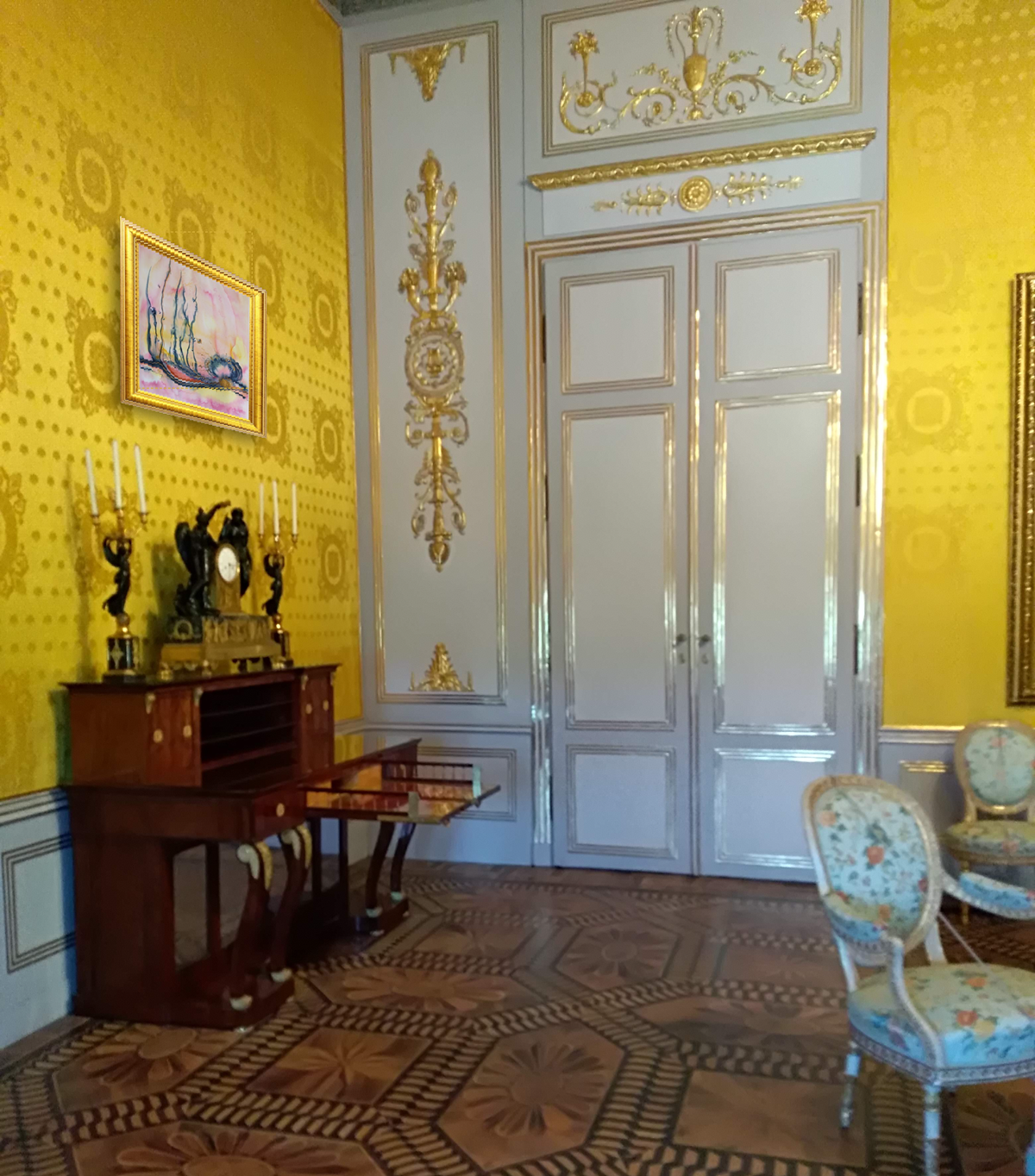
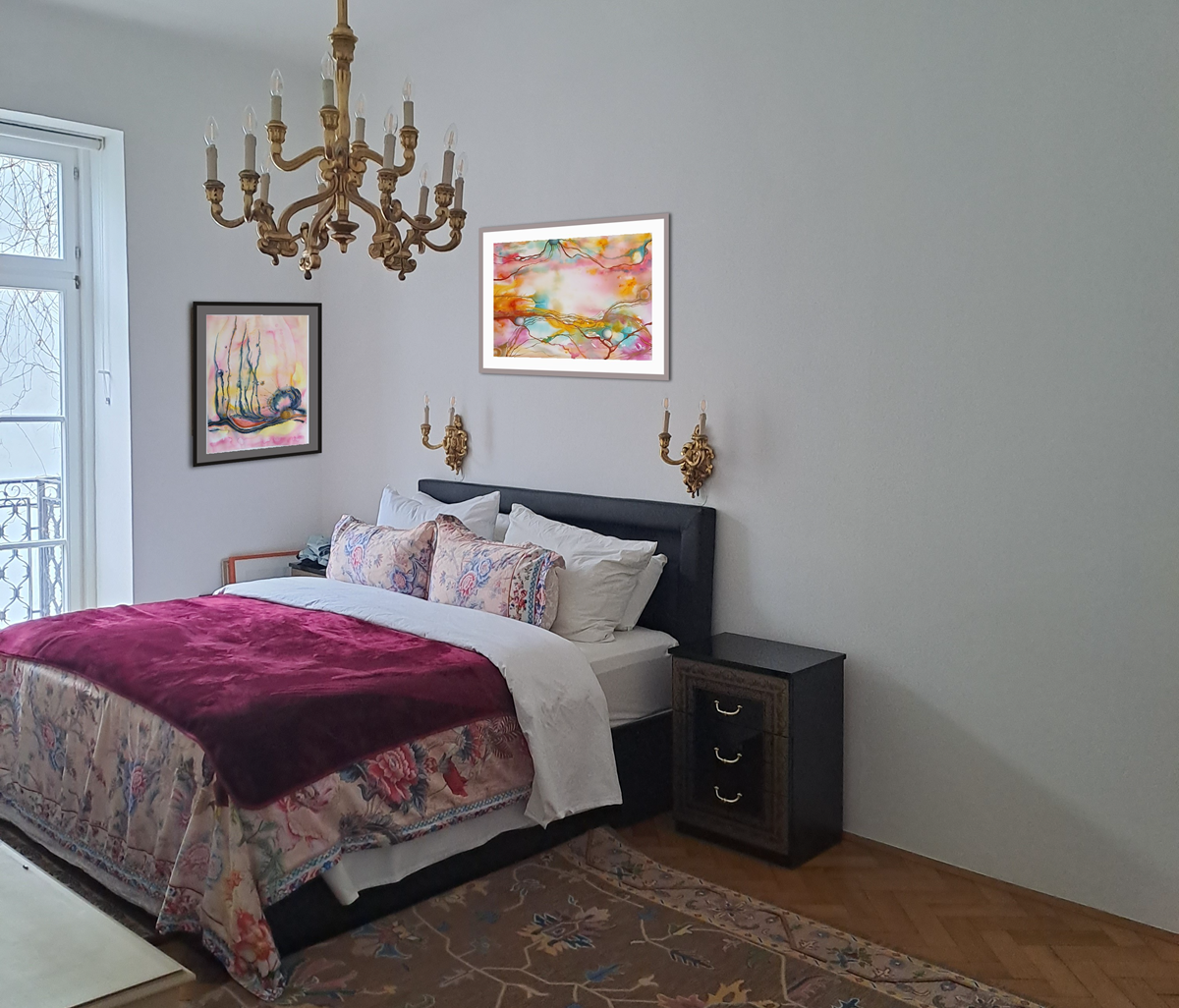
Real rooms. Real artwork. True scale. See how the visualizer places pieces accurately with framing and lighting.
Three simple steps to turn buyer hesitation into a confident purchase.
True to Scale Art is more than a visualization tool. It’s a complete professional platform that lets you show your artwork at its exact real size in real spaces and gives you a beautiful, ownable online portfolio.
Don't rely on imagination. Upload a photo of your client's actual room. Adjust the perspective and lighting so the artwork integrates naturally with their existing space, providing a highly realistic preview that builds immediate buyer confidence.
Enter the artwork's real dimensions. Our precise scaling technology guarantees the piece appears exactly as it would physically hang on their wall. When collectors know the proportions are mathematically accurate, size hesitation disappears.
Fine-tune the placement, add professional framing, or show multiple pieces together as a gallery wall to increase the order value. Export high-resolution mockups to send directly to your collector, interior designer, or gallery to finalize the sale.
Every artist on TrueToScale gets a professional, credible portfolio page designed to capture leads and showcase your work.
Your portfolio includes:
Your portfolio acts as a modern, credible website for your art practice — discoverable by collectors and professionals searching for artists.
When collectors, interior designers, or potential buyers visit your portfolio, they can use the visualization tools themselves. They can upload photos of their own home, office, or project space and instantly see how your artwork will look at true scale in their environment.
This “try before you buy” experience dramatically increases buyer confidence and helps turn interest into sales. Instead of imagining how a piece might look, collectors can see it for themselves — which often leads to faster and more confident purchasing decisions.
Others show your painting in a pretty, sterile 3D room. We show your painting, at the exact size, on your buyer's actual wall.
TrueToScale is a point-of-sale conversion engine running directly in the browser—desktop, tablet, and phone—with nothing to install. Competitors like Canvy and Mocklio are social media marketing tools selling generic stock rooms. AR tools are heavy phone apps. The difference is verifiable scale, corner perspective correction, and giving the buyer the confidence they need to actually check out.
✓ full support — missing or weak
| Feature | TrueToScale | Canvy / Mocklio | AR Apps (ArtPlacer) |
|---|---|---|---|
| Sales & Presentation | |||
| Primary Use Case | Closing sales in buyer's space | Social media marketing | Walk-around previews |
| Uses Buyer's Actual Room Photo | Yes (Standard) | No (Generic Stock) | Live Camera Only |
| Multi-Artwork / Gallery Walls | Yes | Limited | Usually 1 piece |
| Engineering & Friction | |||
| 1:1 Scale Calibration | Yes (Mathematical) | Eyeballed | Often drifts on blank walls |
| Corner Perspective Correction | Yes (4-point) | No | Device reliant |
| User Friction | Zero (Browser based) | Low | High (App install needed) |
Generating pretty mockups for Instagram is a solved problem. If you just want to make a generic Pinterest post, there are dozens of tools.
If you want a tool that eliminates the buyer's spatial hesitation—"Will this fit above my sofa?"—you need measured scale, perspective control, and zero app-install friction. That is what TrueToScale is engineered to do.
Because your buyers do not live in mid-century modern stock templates. When a serious collector is hovering over the "Buy" button, a mockup of an apartment in Copenhagen does not help them. They need to see the art in their actual space to validate the purchase.
AR introduces massive friction. Buyers often have to download a native app, grant camera permissions, and struggle with the artwork floating or drifting on blank walls. TrueToScale uses a standard 2D photograph directly in their browser—no downloads, no drifting.
Give your buyers the confidence they need.
Get Started Free